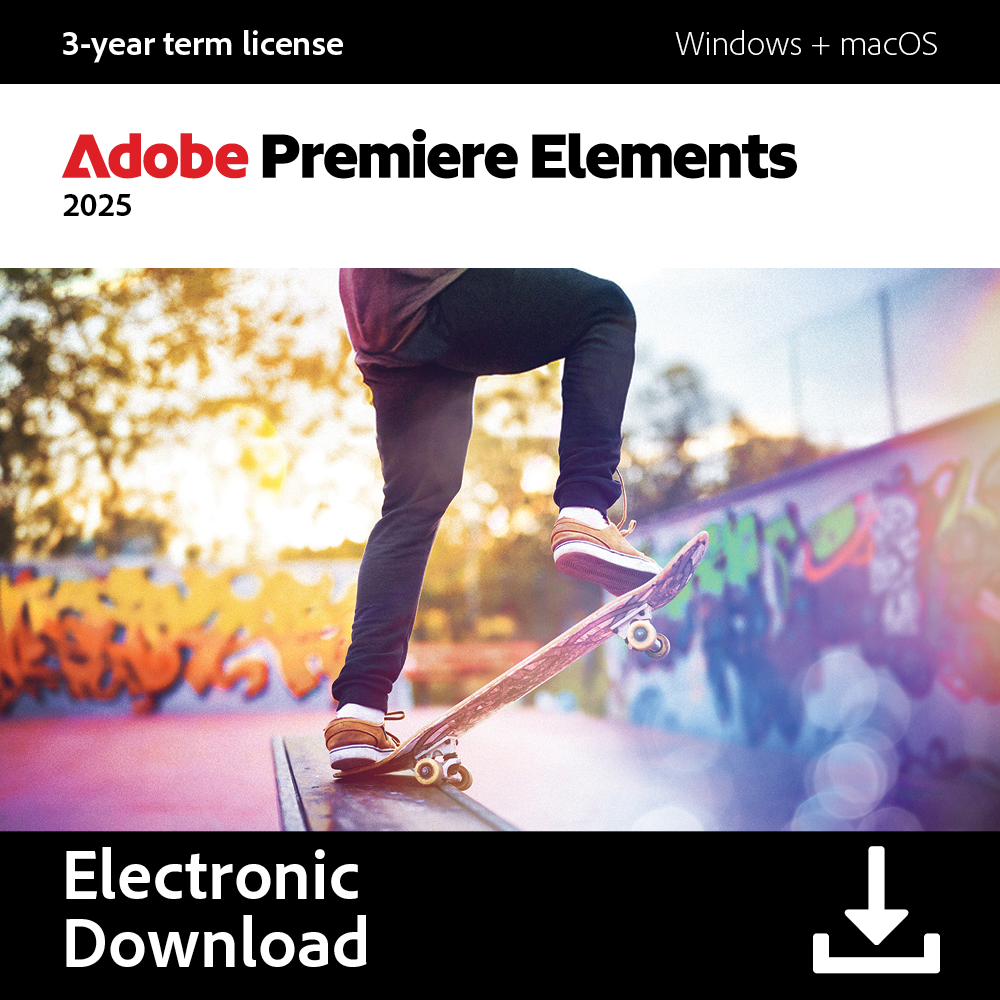









Just purchased Adobe Premiere Elements? Here’s how to get started with your subscription.
Step 1: Locate Your Product Code
- Open the email you received after purchase.
- Copy the product code (also called the serial number or license key). You’ll need this to activate the software.
Step 2: Download the Software
- Go to the official Adobe Premiere Elements download page:
👉 https://www.adobe.com/products/premiere-elements/download-trial/try.html - Choose your operating system (Windows or macOS).
- Click Download to get the installer for Premiere Elements 2025.
Step 3: Install the Software
- Open the downloaded file and follow the installation instructions.
- You can install Premiere Elements on your desktop or laptop.
Step 4: Launch the Application
- Once installed, open Adobe Premiere Elements 2025.
- A prompt will appear asking if you want to license this software or continue in trial mode.
Step 5: Sign In with Adobe ID
- You’ll need to sign in with your Adobe ID.
- If you already have one, just sign in.
- If not, click “Create an Adobe ID” and register—it’s quick and free.
Step 6: Enter Your Product Code
- After signing in, you’ll be prompted to enter your product code.
- Paste or type in the serial number you received via email.
- Click Next or Activate to complete the process.
Step 7: Confirmation
- Adobe will validate your code and confirm that your 3-Year license is active.
- You now have full access to Adobe Premiere Elements 2025 with no restrictions.
🎬 You’re Ready to Create!
Enjoy easy, powerful video editing with smart tools, guided edits, and creative effects—perfect for personal or school projects over the next 3 years.for photo editing, organizing, and creating with ease.
If you face any activation issues, visit Adobe Help Center or contact Adobe support directly for assistance.