
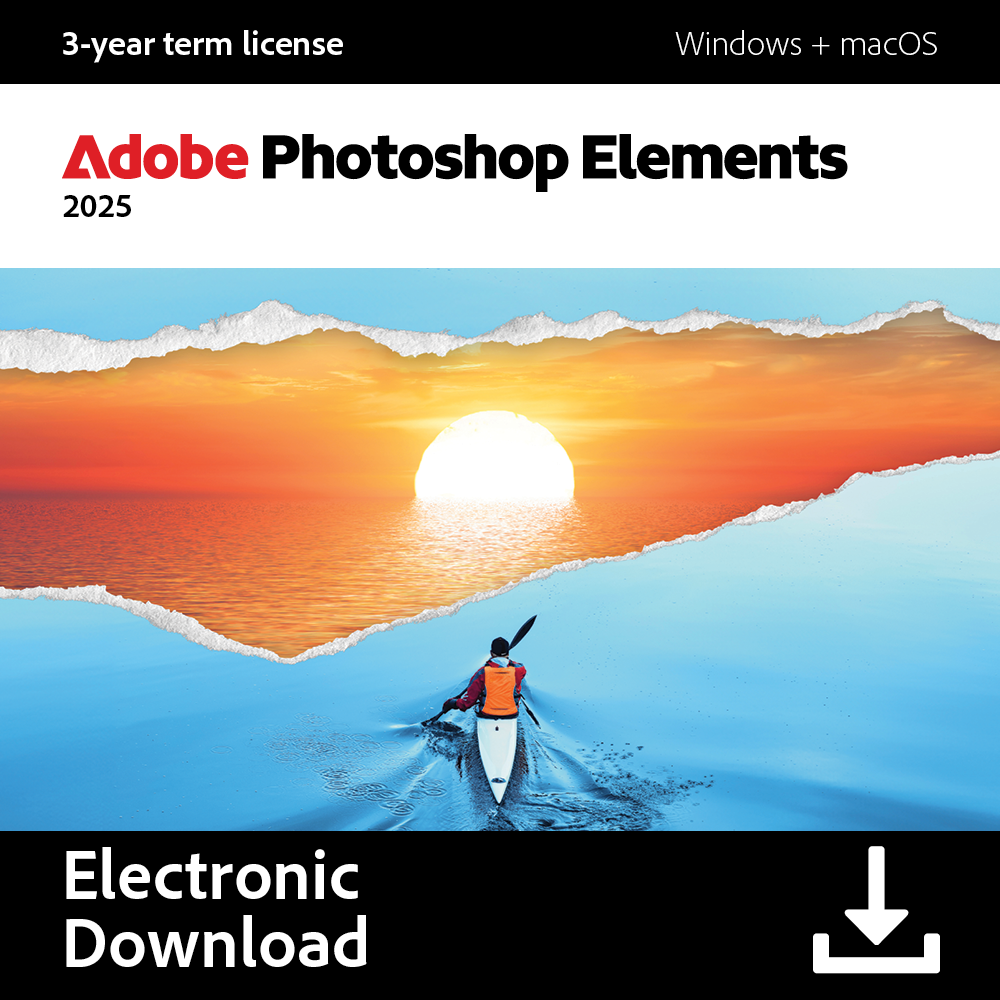









Just purchased Adobe Photoshop Elements? Here’s how to get started with your subscription.
Step-by-Step: How to Enter Your Adobe Product Key
When installation completes, your software will automatically activate when you sign in.
Go to the Adobe Product Registration Page:
https://redeem.adobe.com
Sign In to Your Adobe Account:
Use the same email address you used when purchasing the product.
If you don’t have an Adobe account, click Create an Account and follow the on-screen instructions.
Enter Your Product Key:
Type in your serial number (including dashes exactly as shown).
Click Redeem / Activate.
Confirm Your Product:
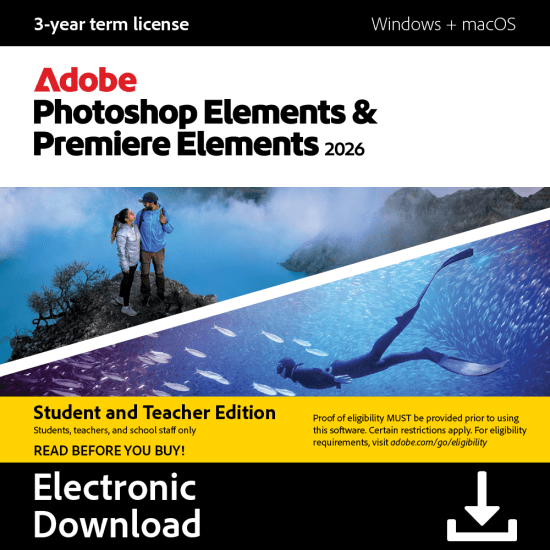
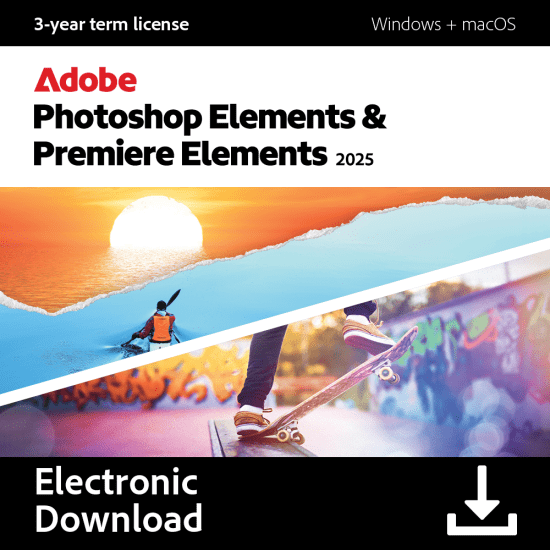
Once your key is verified, you’ll see your product name (e.g. Adobe Photoshop Elements 2025).
Click Confirm to register it to your Adobe account.
Download & Install (if needed):
After activation, Adobe may offer a download link for your product.
Click Download, then follow the on-screen prompts to install.
🎉 You’re Ready to Go!
Enjoy 3 years of access to Adobe Photoshop Elements 2025—perfect for photo editing, organizing, and creating with ease.
If you face any activation issues, visit Adobe Help Center or contact Adobe support directly for assistance.



Reviews
There are no reviews yet.