
Product Description
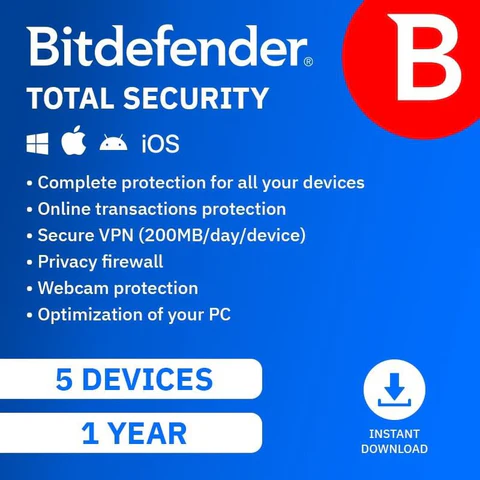
Bitdefender Total Security Individual delivers comprehensive, top‑tier protection for up to five devices under a single 1‑year subscription. Designed for users who want more than just antivirus protection, it safeguards your PCs, Macs, smartphones, and tablets against viruses, malware, ransomware, phishing attacks, and sophisticated online threats.
In addition to real‑time threat detection, Bitdefender Total Security includes advanced privacy and performance tools such as firewall protection, anti‑phishing, web attack prevention, device optimisation, and anti‑theft features for supported devices. These tools help secure your personal data, protect online activity, and keep devices running smoothly.
With a lightweight design and intelligent threat detection, the software runs quietly in the background without slowing down your system. Centralised management through Bitdefender Central makes it easy to install, monitor, and manage protection across all your devices, making it ideal for individuals or households seeking complete, worry‑free digital security.
Installation Steps
- Activate Your Subscription
- Visit www.bitdefender.com/activate
- Sign in to your Bitdefender Central account, or create one if prompted.
- Enter the activation code provided with your purchase.
- Choose Devices to Protect
- Select the device type (Windows, macOS, Android, or iOS, depending on compatibility).
- You can install protection on up to 5 devices.
- Download the Installer
- Click Install and download the Bitdefender Total Security installer for your device.
- Install Bitdefender
- Open the downloaded file.
- Follow the on‑screen instructions.
- Accept the licence agreement when prompted.
- Complete Setup
- Sign in after installation completes.
- Allow updates to finish and run an initial system scan.
- Install on Additional Devices
- Log in to Bitdefender Central.
- Send install links or repeat the steps above on your remaining devices.







Reviews
There are no reviews yet.