
Product Description
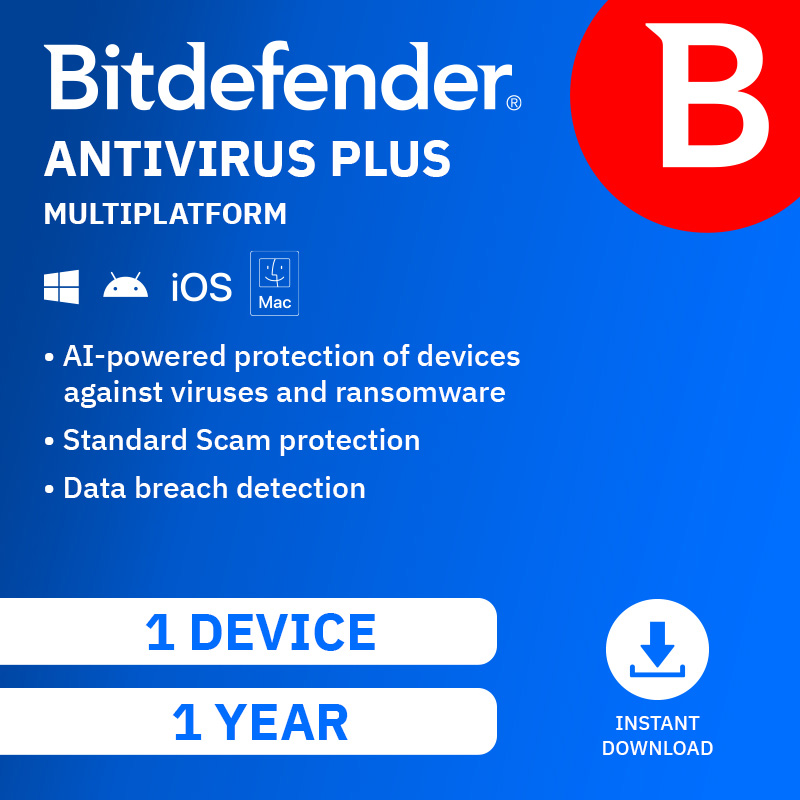
Bitdefender Antivirus Plus Multiplatform delivers award‑winning security to protect a single device for one year. Designed for modern digital threats, it provides advanced, real‑time protection against viruses, malware, ransomware, phishing, and online fraud while maintaining fast system performance.
With powerful threat detection, web protection, and anti‑phishing features, Bitdefender keeps your personal data safe while you browse, shop, and bank online. Its intelligent security engine runs quietly in the background, offering strong protection without slowing down your device. Easy to install and manage, this solution is ideal for users who want reliable, no‑hassle antivirus protection on one device.
Installation Steps
- Activate Your Subscription
- Go to www.bitdefender.com/activate
- Sign in with your Bitdefender Central account or create a new one.
- Enter the activation code included with your purchase.
- Select Your Device
- Choose the device you want to protect (Windows, macOS, Android, or iOS, based on compatibility).
- Click Install to begin the download.
- Download the Installer
- Save the Bitdefender installation file to your device.
- Install Bitdefender
- Open the downloaded file.
- Follow the on‑screen instructions to complete installation.
- Accept the licence agreement when prompted.
- Complete Setup
- Once installation is finished, sign in to Bitdefender Central.
- Allow initial updates and run a quick scan to ensure full protection.
Bitdefender Antivirus Plus Multiplatform provides dependable, lightweight security with powerful protection—keeping your device and personal data safe for an entire year.






Reviews
There are no reviews yet.