
Adobe Acrobat Standard, 1-Year Subscription ESD ZA
Edit, convert and sign PDF documents with Adobe Acrobat Standard. This listing is for the South African (ZA) electronic software delivery (ESD) product with a one-year subscription term.
PDF tools for everyday work
- Edit text and images in existing PDFs.
- Convert Microsoft Office files to PDF and export PDFs to editable formats.
- Organise PDF pages, add comments and share documents for review.
- Fill forms, sign documents and request electronic signatures.
- Add password protection and permissions to PDFs.
Redeem and install
- Locate the redemption code and fulfilment instructions supplied with your purchase.
- Open Adobe’s Acrobat redemption page and sign in to, or create, the Adobe account that will hold the subscription.
- Enter the supplied code and follow Adobe’s instructions to complete redemption.
- Use Adobe’s Acrobat download instructions to download and install the subscribed application.
- Launch Acrobat and sign in with the same Adobe account used for redemption to access the Standard features included in your plan.
An Adobe account and internet access are required for redemption and activation. Check Adobe’s current system requirements before installation. Retain the purchase confirmation and follow any product-specific instructions supplied with your licence.
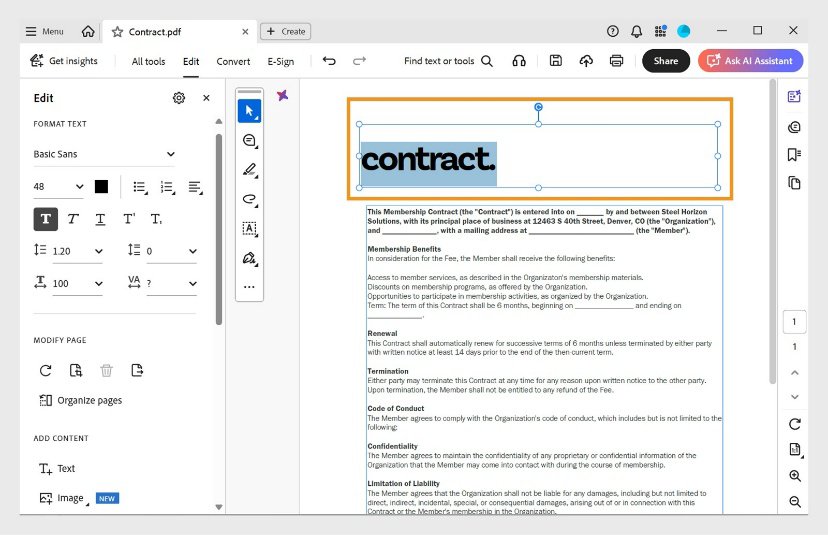
Product screenshots illustrate PDF text editing. The AI Assistant button shown in the interface refers to a separate subscription, which is not included with this product. Interface appearance may vary with software updates.
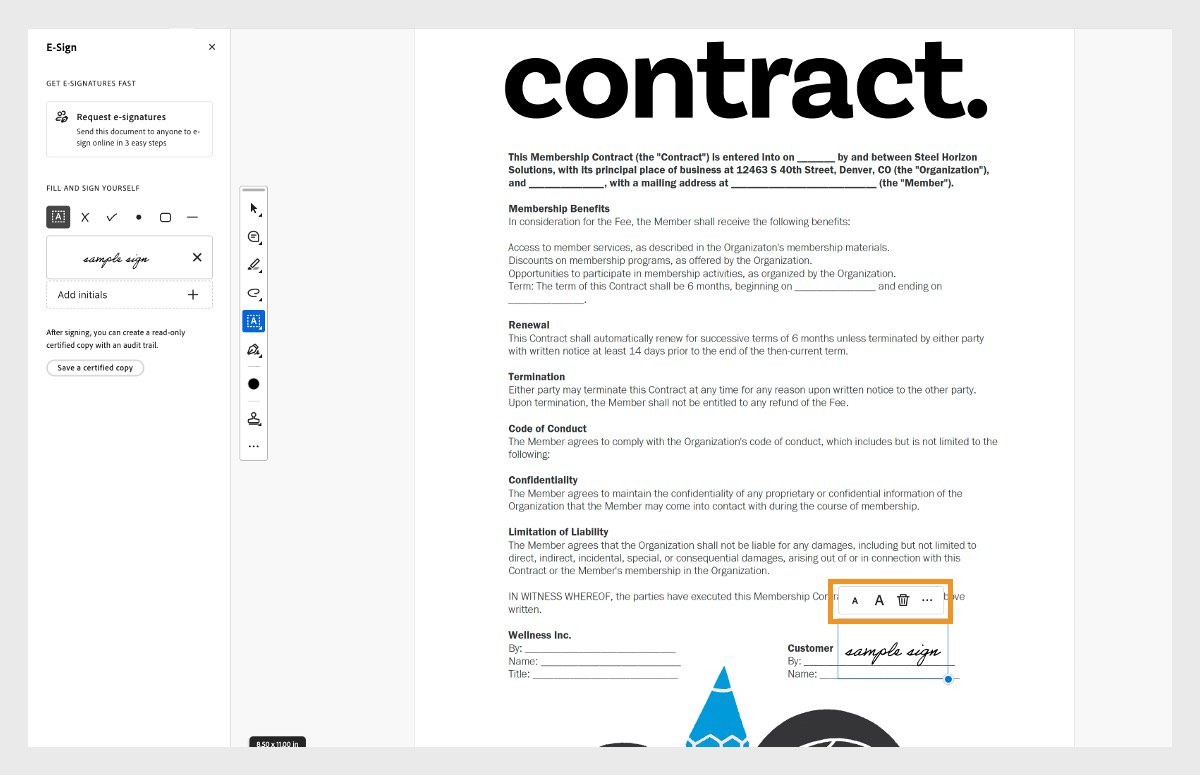
The form-filling screenshot illustrates adding text and a signature to a PDF using Acrobat Standard.